Understand player identities
Every player in your game has an identity in Satori: a persistent behavioral profile that accumulates session history, in-game events, and computed properties over time. Targeting decisions, experiment assignments, live event eligibility, and message delivery all draw from this record.
Identity IDs #
Each identity is keyed by the ID your game passes when it authenticates with Satori. This can be your own player ID, a Nakama user ID, or a device ID for a guest player. Because Satori uses this ID as the identity ID, server-side events and Console API calls reference players by the same ID your game already uses. You don’t need to store a separate mapping to a Satori-internal ID.
Satori accepts and stores events sent for an ID that has never authenticated. These events count toward your event usage and are exported to your data lake, but they don’t update properties or audience membership. An identity must authenticate at least once before its events affect properties and audiences.
What an identity contains #
A player identity is a structured profile with multiple data layers, each built from different sources and serving different parts of your operation.
| Component | What it stores | What it powers |
|---|---|---|
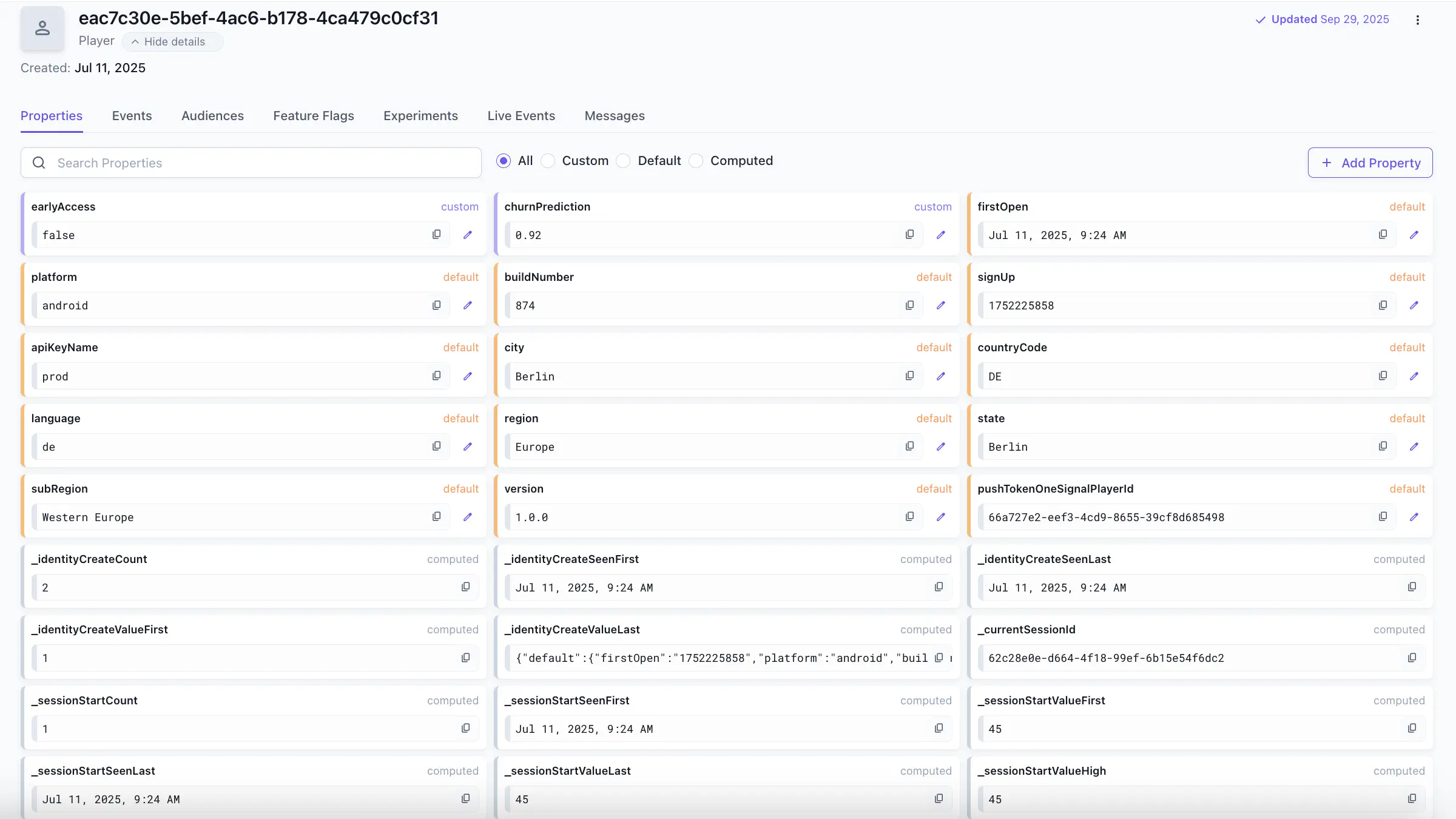
| Properties | Default, computed, and custom key-value attributes | Audience definitions, event eligibility, experiment enrollment |
| Events | Chronological record of in-game actions | Computed properties, behavioral analysis |
| Audiences | Current segment memberships | Targeting for live events, experiments, and messages |
| Experiments | Active variant assignments | Consistent experience delivery across sessions |
| Live events | Current and past event participation | Enrollment state, reward history |
| Messages | Sent and received message history | Engagement tracking |
For a full reference on property types and how to set custom properties from the client, see Understand player properties. For how audiences are built from those properties, see Understand audiences.
Browse and manage your player base #
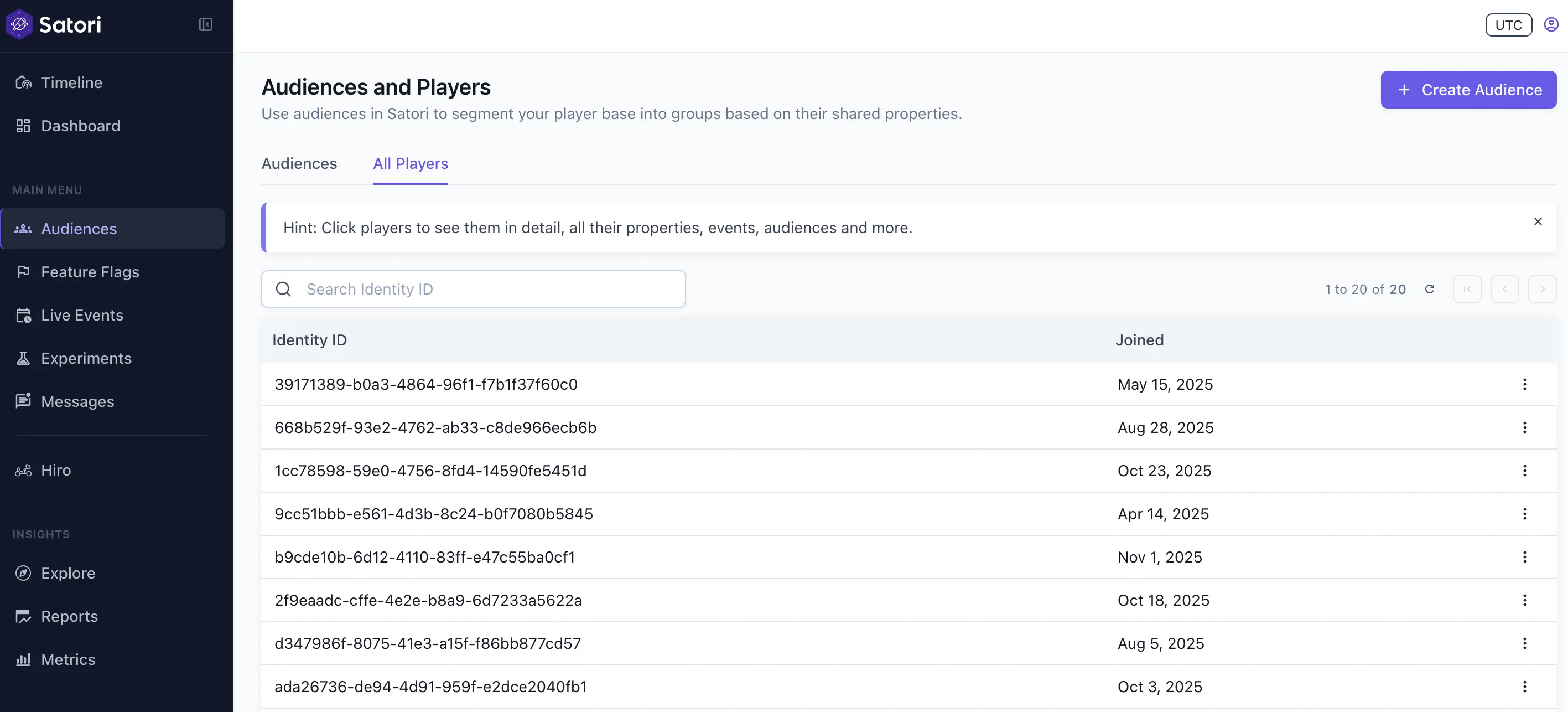
The Audiences > All Players tab shows a searchable table of every identity in your project. Use it to find a specific player by identity ID and inspect their full profile, or to confirm that a player’s data is in the expected state before or after running a live event or experiment.
Delete an identity from the player list to fulfill player data deletion requests under GDPR or similar privacy regulations: deleting the identity removes its properties, inbox messages, and events from Satori. Deletion is permanent and can’t be undone in Satori. For how Satori handles GDPR deletion and data access requests, see Privacy and compliance.
Inspect player activity per identity #
The identity detail view includes a tab for every part of Satori that touches that player. Use these tabs to debug targeting, validate that a specific player is receiving the expected configuration, or to confirm event and audience state before an event goes live.
Events tab shows the chronological history of actions recorded for this player. This is the live behavioral record Satori uses to compute properties and power audience filters. For a full reference on event types, data structure, and instrumentation requirements, see Understand events.
Audiences tab shows all segments this player currently belongs to. Audience membership recomputes every 10 minutes by default. You can also permanently or temporarily exclude an identity from a specific audience from this tab, regardless of what their properties evaluate to.
Experiments tab shows the variant currently assigned to this identity. Once a player is assigned to a variant in an experiment phase, that assignment is fixed for the duration of that phase. If their audience membership changes during the experiment (for example, they go from non-spender to spender), their variant assignment doesn’t change. This is intentional: stable variant assignment prevents contaminated results.
Feature flags, Live events, and Messages show the active configuration, current enrollment, and delivery history for this player.
Future-date testing #
Use future-date testing to simulate what Satori returns for an identity at a specific date in the future. If configured, all the new sessions will be bound to the specified point in time for their whole duration. This is the correct way to validate live event schedules, offer timing, and any other time-dependent configuration before it goes live.
To enable future-date testing:
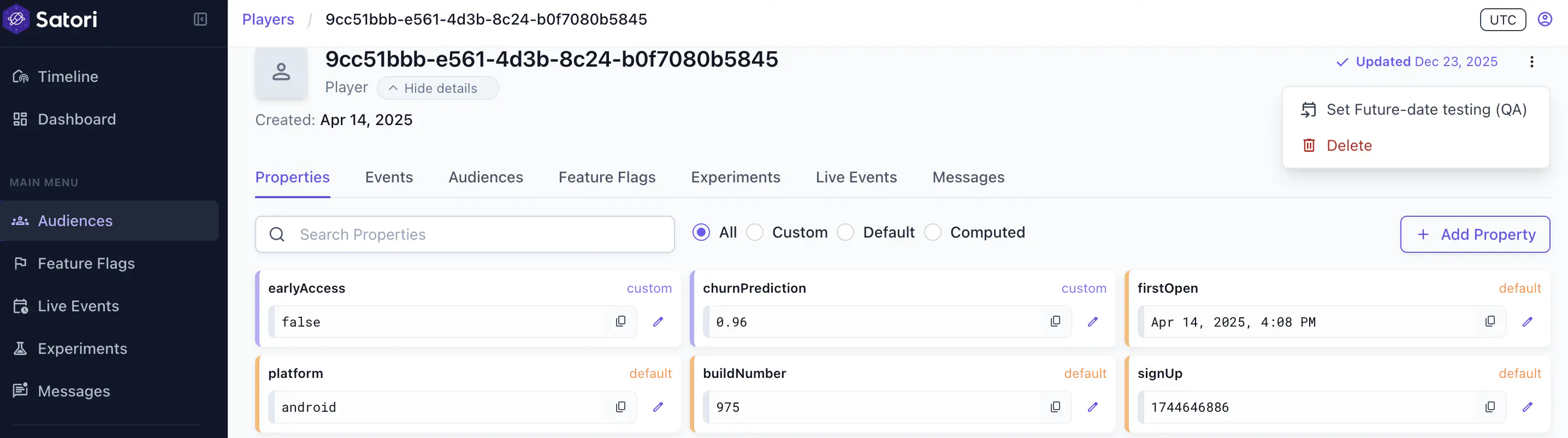
- Open the identity in the console.
- Click the three-dot menu in the top right and select Set future-date testing (QA).
- Choose the target date.
- When you’re done, reset the identity from the same menu.
After setting a future date, the identity must re-authenticate (for example, by restarting the game client) before Satori responds with the simulated time. API calls made before reauthentication continue to use the real server time.