
Integrate with Hiro
Hiro is a client-server framework built on Nakama, the open-source game backend, designed to help you implement core metagame systems quickly and reliably.
Studios using Hiro’s metagame framework can connect it to Satori so that every Hiro system, including economy, achievements, event leaderboards, progression, and more, becomes remotely configurable through the Satori console. Your LiveOps team can adjust metagame parameters, target different configurations to different audiences, and run experiments on Hiro systems without any additional client code.
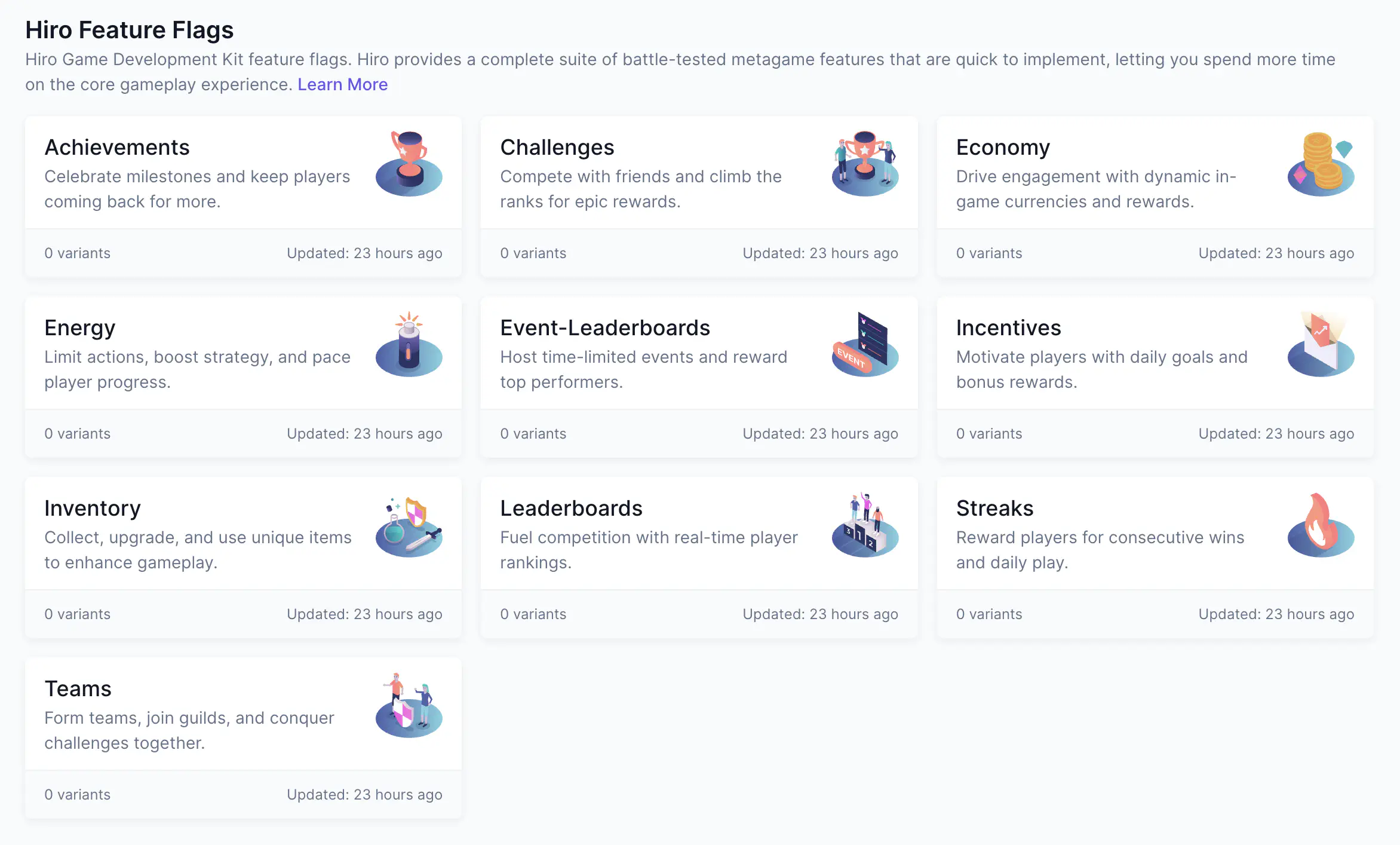
The connection between the two products is handled by a component called the SatoriPersonalizer.
How the SatoriPersonalizer works #
Hiro uses a system called Personalizers to serve custom content to individual players. The SatoriPersonalizer is a built-in implementation that connects this system to Satori’s feature flags.
When active, the SatoriPersonalizer checks whether Satori has any flag overrides for the current player and merges them into Hiro’s static configuration before the result is returned. If a flag variant targets a specific audience, that audience’s players receive the merged configuration while everyone else receives the static defaults. No additional client code is required.
For a full explanation of how Personalizers work, including merge behavior and personalizer chaining, see Personalizers.
What you can configure #
Each Hiro system appears as a feature flag in Satori with a corresponding Hiro-specific schema. Edit the default value to change the baseline configuration, or create audience-targeted variants to deliver different configurations to different player segments. Live events and experiments can override these flags just like any other feature flag.
For example, create a variant of the Hiro-Economy flag that offers a discounted store bundle to lapsed spenders, or run an experiment on Hiro-Achievements that tests whether higher reward values improve retention for new players.
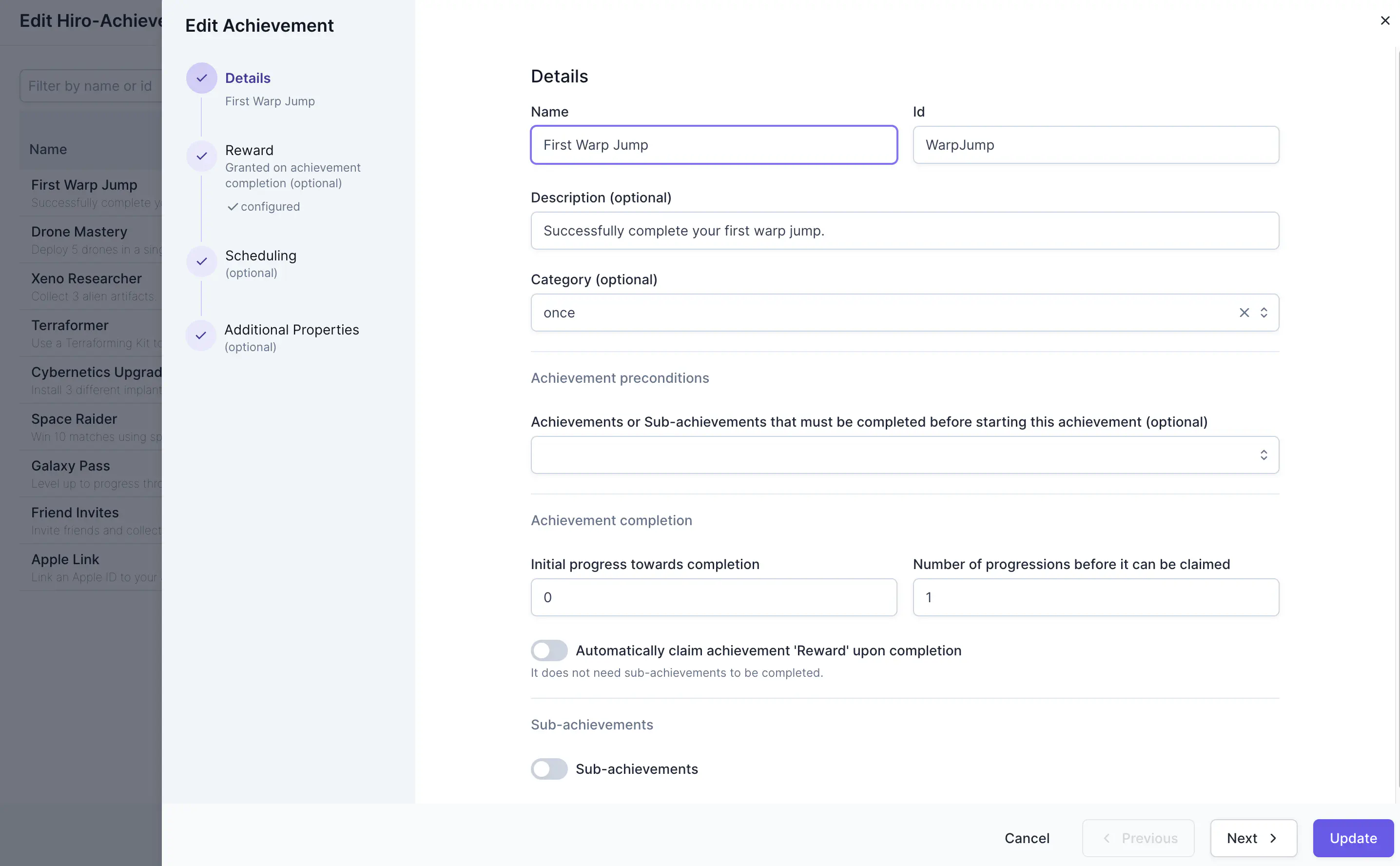
Satori provides pre-built schema templates for every Hiro system. When creating or editing a Hiro flag, you can do so via the form-based wizard or by editing the JSON directly by toggling on Traditional View in the UI.
Set up the SatoriPersonalizer #
In your server initialization code, add the SatoriPersonalizer after initializing your Hiro systems:
| |
For full setup instructions, including how to chain multiple personalizers and configure Satori connection details in Heroic Cloud, see Set up built-in personalizers.
