Create message templates
A message template defines the structure of the content players receive. Define it once and Satori sends from it automatically on every trigger. A recurring tournament reminder, for example, needs one template regardless of how many times the event runs.
Create a template #
In the Messages section of the Console, you can view all existing templates. To create a new one, click Create template button to open the wizard. The following table describes the available fields to customize your template.
| Field | Required | Description | Example |
|---|---|---|---|
| Name | Yes | A unique identifier for the template | Winter Tournament 2025 |
| Category Labels | No | Labels defined in Taxonomy and used throughout the Console. You can select multiple labels. | tournament |
| Title | Yes | The headline shown in the player’s inbox or notification | Limited-Time Winter Tournament! |
| Image URL | No | URL of a banner or promotional image to include | https://your-cdn.com/winter.png |
| Content Type | Yes | Format of the message body: Plain Text, HTML, or JSON | Plain Text |
| Content | Yes | The main body of the message | Join today and win exclusive rewards! |
| JSON Metadata | No | Structured data for client-side logic, deep linking, or personalisation | {"rewardId": "gold_pack_01"} |
Content types #
- Plain Text: Write any message. No formatting.
- HTML: Format text, add links and images. The dashboard provides an editor.
- JSON: Structured content validated automatically by the editor.
Rich messages #
Templates with an image URL and HTML or JSON content render with a fullscreen preview when opened from the identity inbox in the Console. Use rich messages when the content benefits from a larger view, such as promotional banners or structured reward summaries.
Add translations for multiple languages #
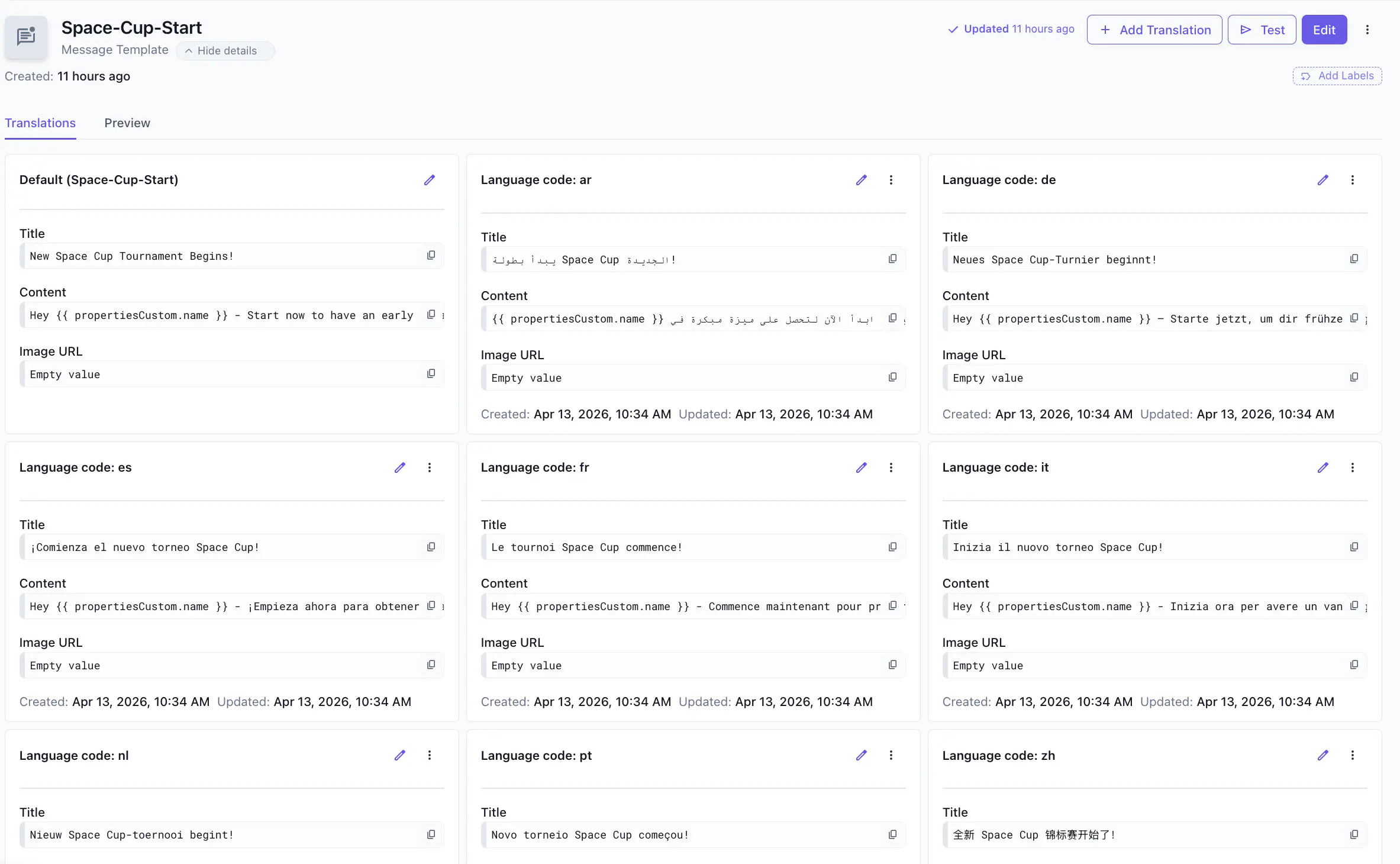
The content you enter when creating a template becomes the default. To add translations, select Add Translation in the template details screen.
Satori selects the correct translation by matching the player’s language property against the available translations. Specify language codes using BCP 47 tag format (e.g., en-US for English). Make sure your game updates the language property whenever a player changes their in-game language.
If the language property isn’t set, the default template variant is used. If it’s set but no matching translation exists, the default variant is also used. Translations apply to in-game inbox messages and push notifications sent through integrations.
Personalise with player properties #
Templates support property placeholders in all content types. Satori replaces each placeholder with the player’s actual property value at send time.
| |
All property types are supported: default, computed, and custom.
Test a template #
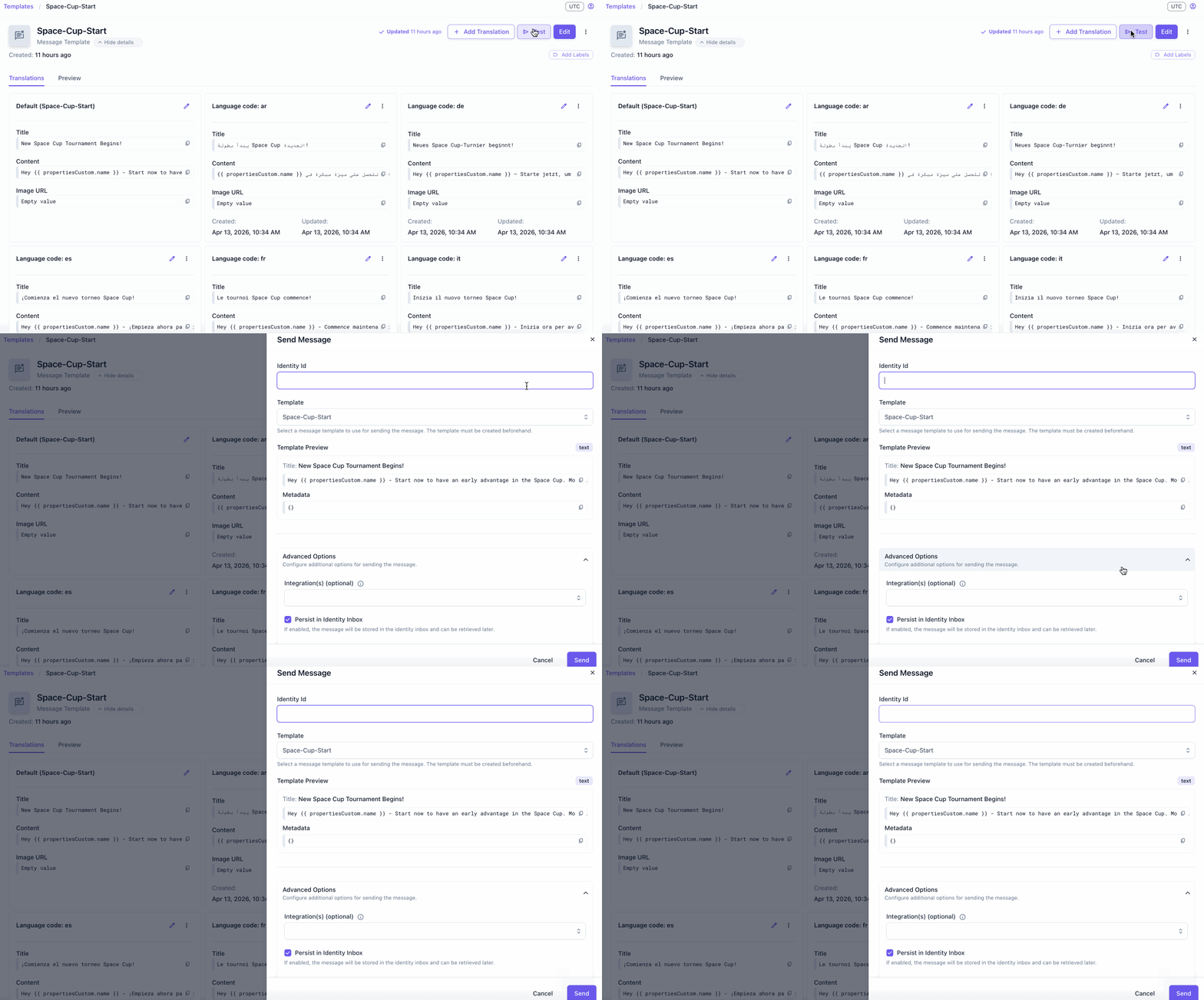
To test a template before sending it live, open the template details screen and select Test. Provide a player identity ID and select an integration if you want to test push delivery. The message is sent immediately to that identity only.