Export to data lakes
Satori provides built-in analytics, but if your studio has its own data infrastructure, you can export your event stream directly to your data warehouse.
To configure an integration, open Settings in the Satori console and select the Integrations tab. In the Data Lakes section, each platform has its own configuration tab with the required fields and setup instructions.
Satori supports five platforms:
| Platform | Notes |
|---|---|
| BigQuery | Exports to Google BigQuery. |
| Snowflake | Exports to Snowflake. |
| Redshift | Exports to Amazon Redshift. |
| S3 | Exports to an Amazon S3 bucket. |
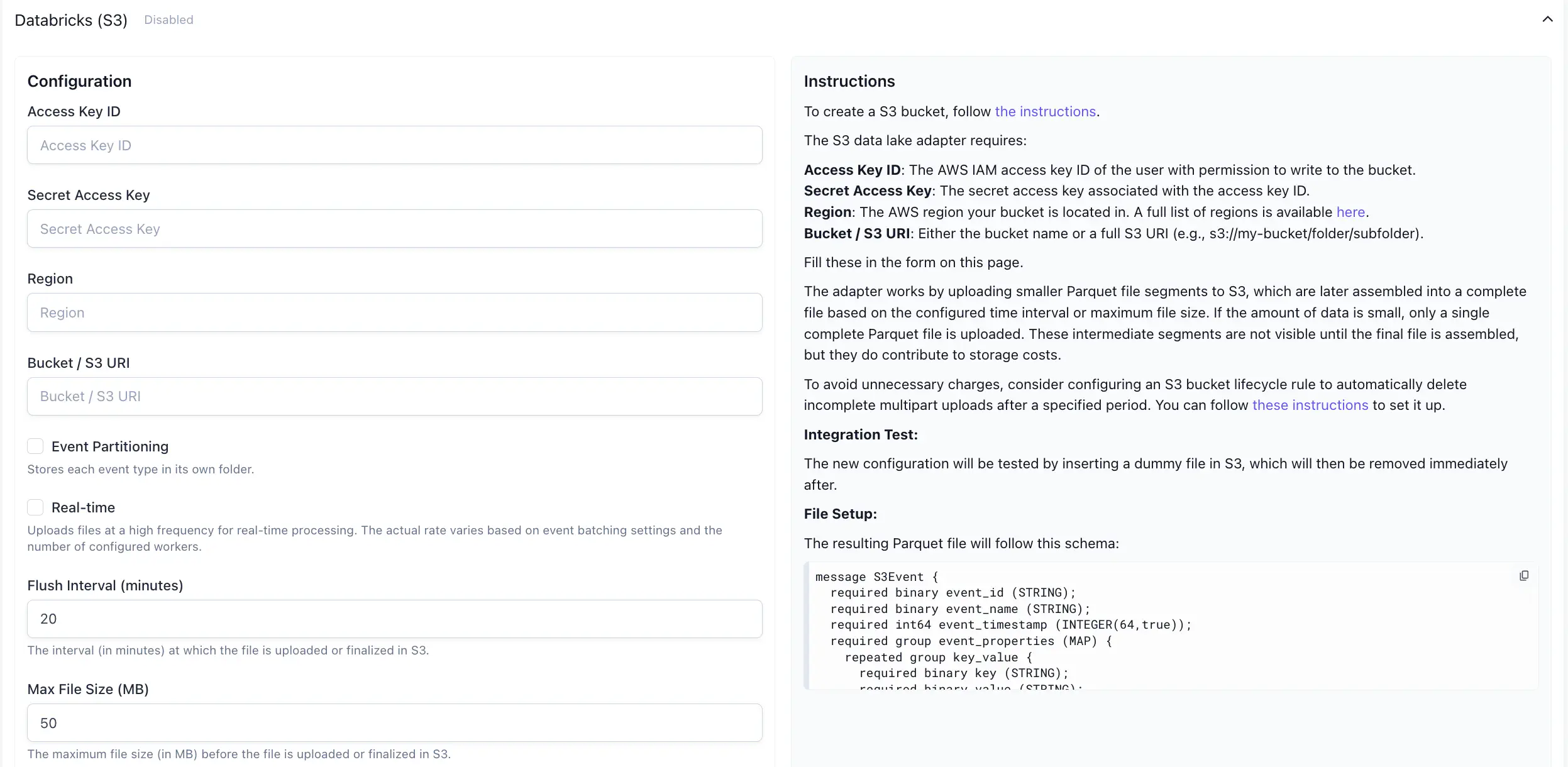
| Databricks | Exports to Databricks via S3 in Parquet format. Ingest into Databricks following standard cloud object storage ingestion. |
Monitor integration health #
The Satori console surfaces diagnostic information for each data lake integration: the last error message, the time of the last failure, and the total error count. Check these indicators to identify and resolve pipeline issues before they interrupt your data flow.
Invalid events #
Invalid events are events that don’t match definitions in your taxonomy. Satori still forwards these rejected events to your data lake so your data is not discarded. Invalid events will show up in data lake exports with an additional _error field in the metadata of the event, to indicate the rejection reasons. Use the debug guide to fix the errors.
BigQuery #
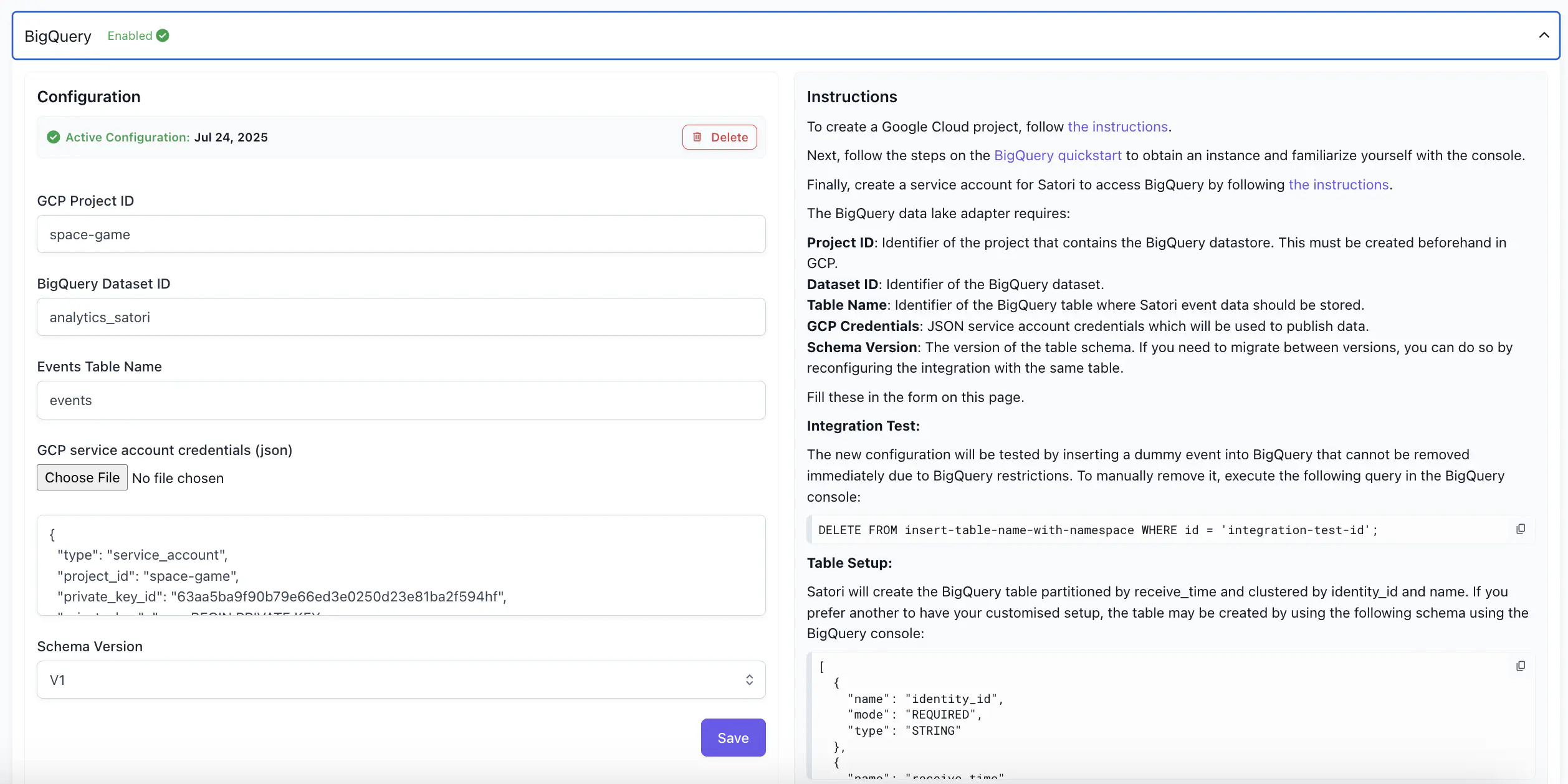
The BigQuery tab enables you to configure the BigQuery adaptor for Satori, and displays the instructions for doing so.
For detailed information on BigQuery connection, see Connect to BigQuery.
Snowflake #
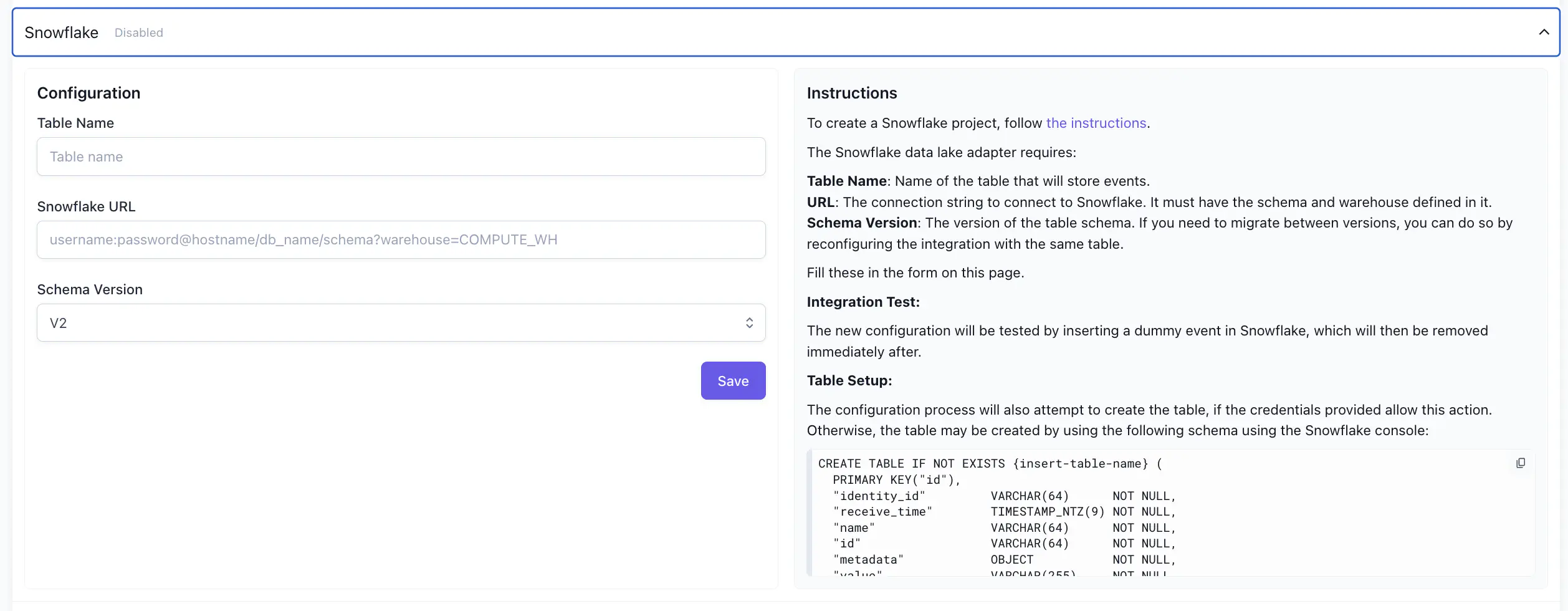
The Snowflake tab enables you to configure the Snowflake adaptor for Satori, and displays the instructions for doing so.
For detailed information on Snowflake connection, see Connect to Snowflake.
Redshift #
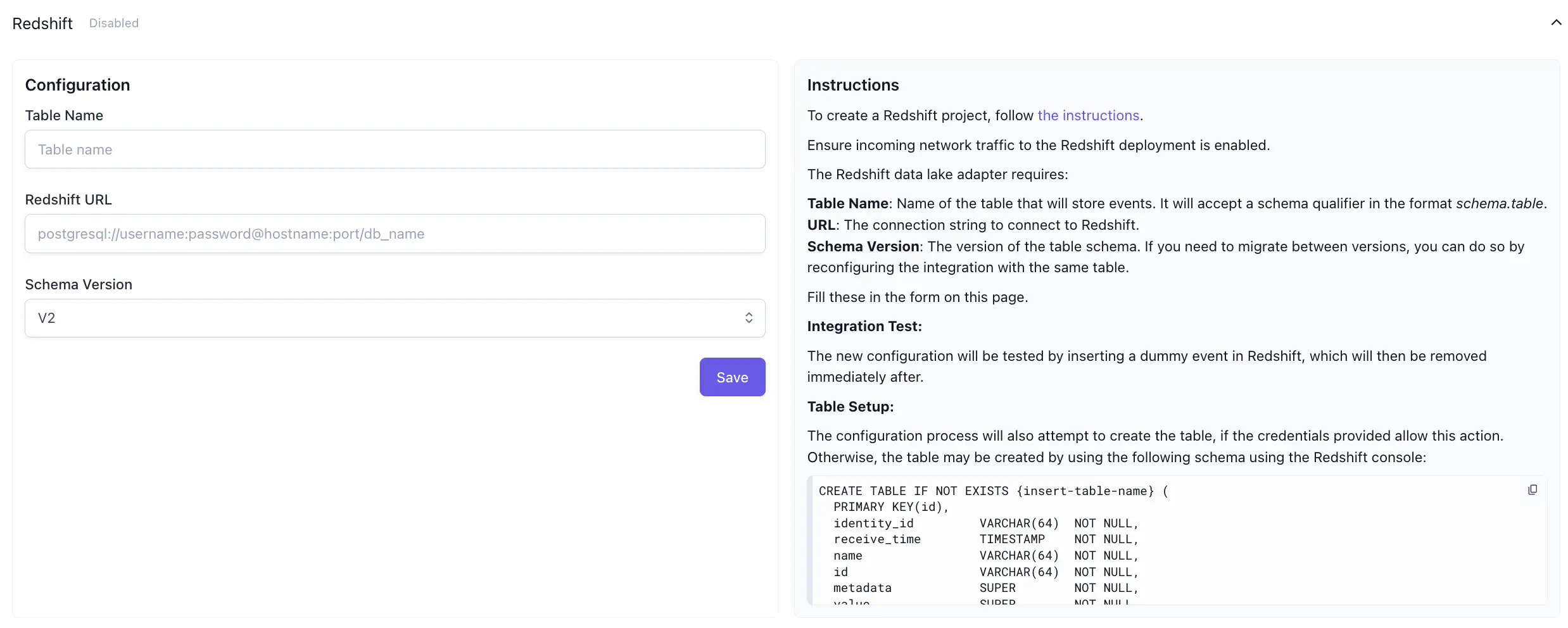
The Redshift tab enables you to configure the Redshift adaptor for Satori, and displays the instructions for doing so.
S3 #
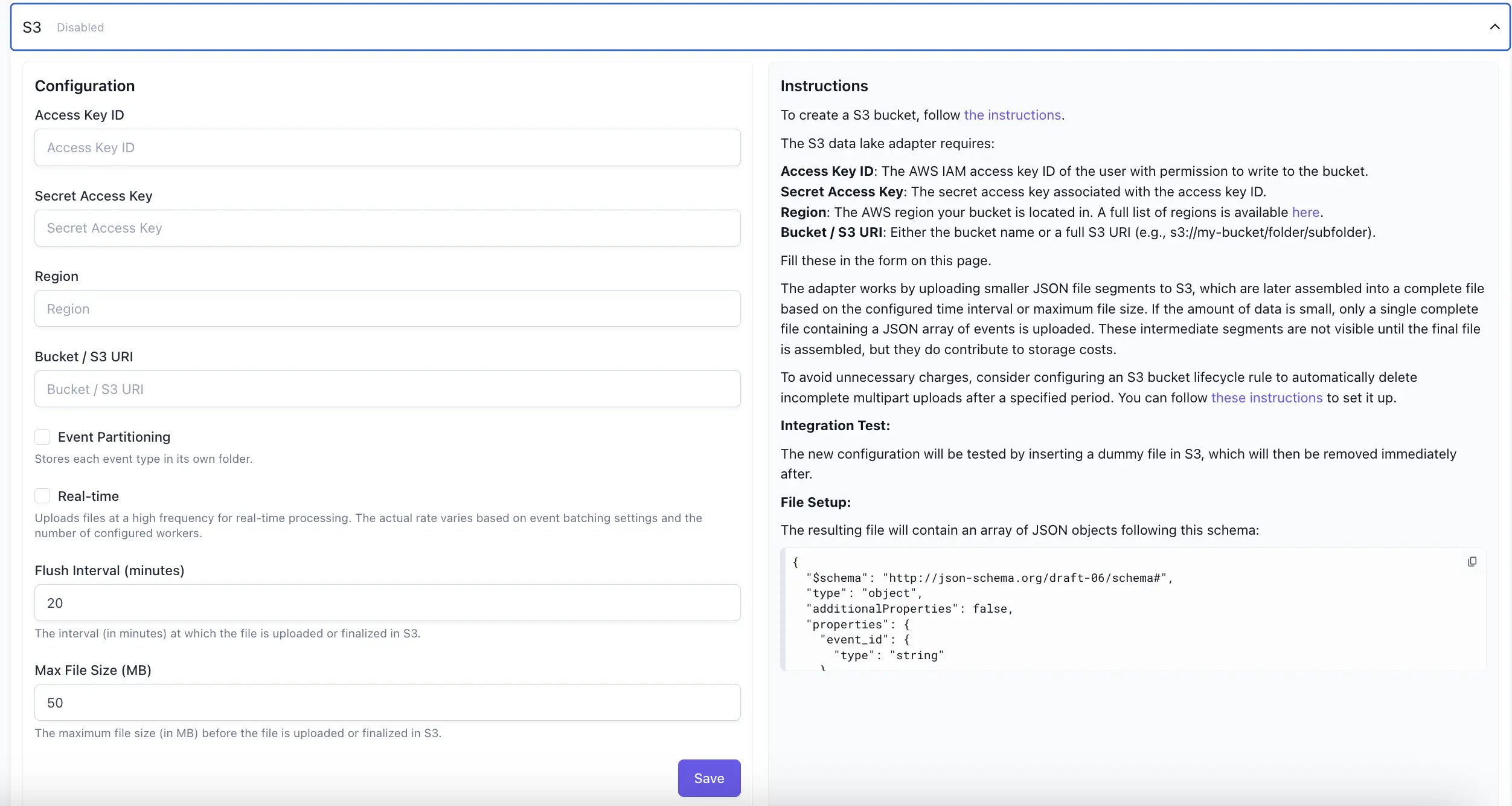
The S3 tab enables you to configure the S3 adaptor for Satori, and displays the instructions for doing so.
Databricks #
The Databricks (S3) tab enables you to configure data lake exports for Databricks Data Lakes via S3 adaptor. Using this integration, your data will be exported to your S3 bucket in Parquet File Format. You can ingest this data to your Databricks data lake following Databricks documentation.