
Mage Mayhem
A goblin-busting action game built with Unity 6 and powered by Hiro. See how different Hiro systems integrate to drive a complete gameplay loop and metagame.
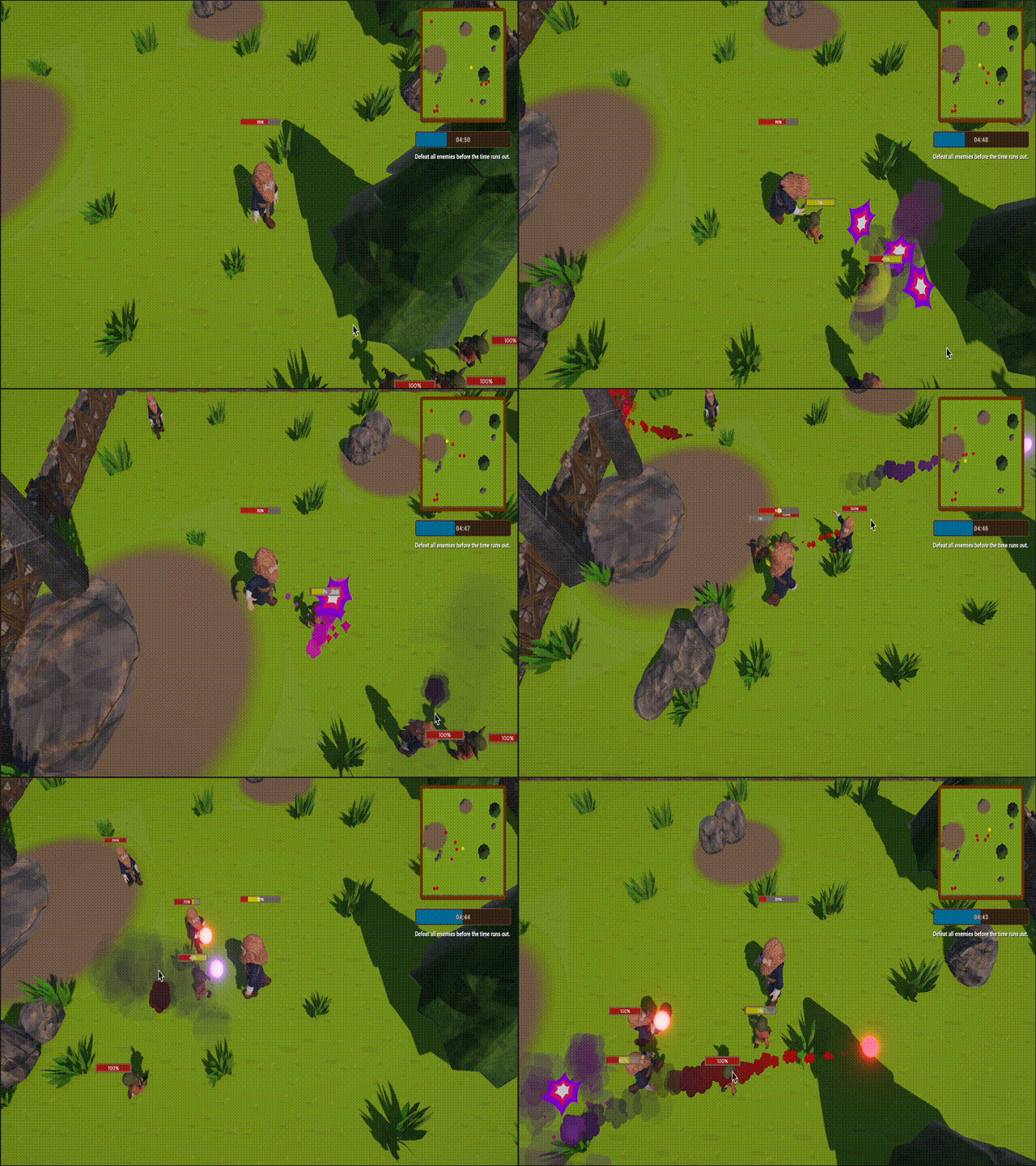
Mage Mayhem is a fully playable arena brawler that demonstrates the Hiro GDK running on Nakama. Players fight through a timed arena, earn gold, buy and equip gear, and compete on daily leaderboards.
The game showcases how multiple systems work together in a real game: inventory drives combat stats, the economy powers the shop, achievements reward milestones, and streaks incentivize daily play.
| Specs | Description |
|---|---|
| Engine | Unity 6 (URP, UI Toolkit, Input System) |
| Server | Nakama 3.35 + Hiro 1.31 (Go) |
| Hiro systems | Inventory, Economy, Achievements, Leaderboards, Streaks, Energy, Stats, Tutorials |
Gameplay #
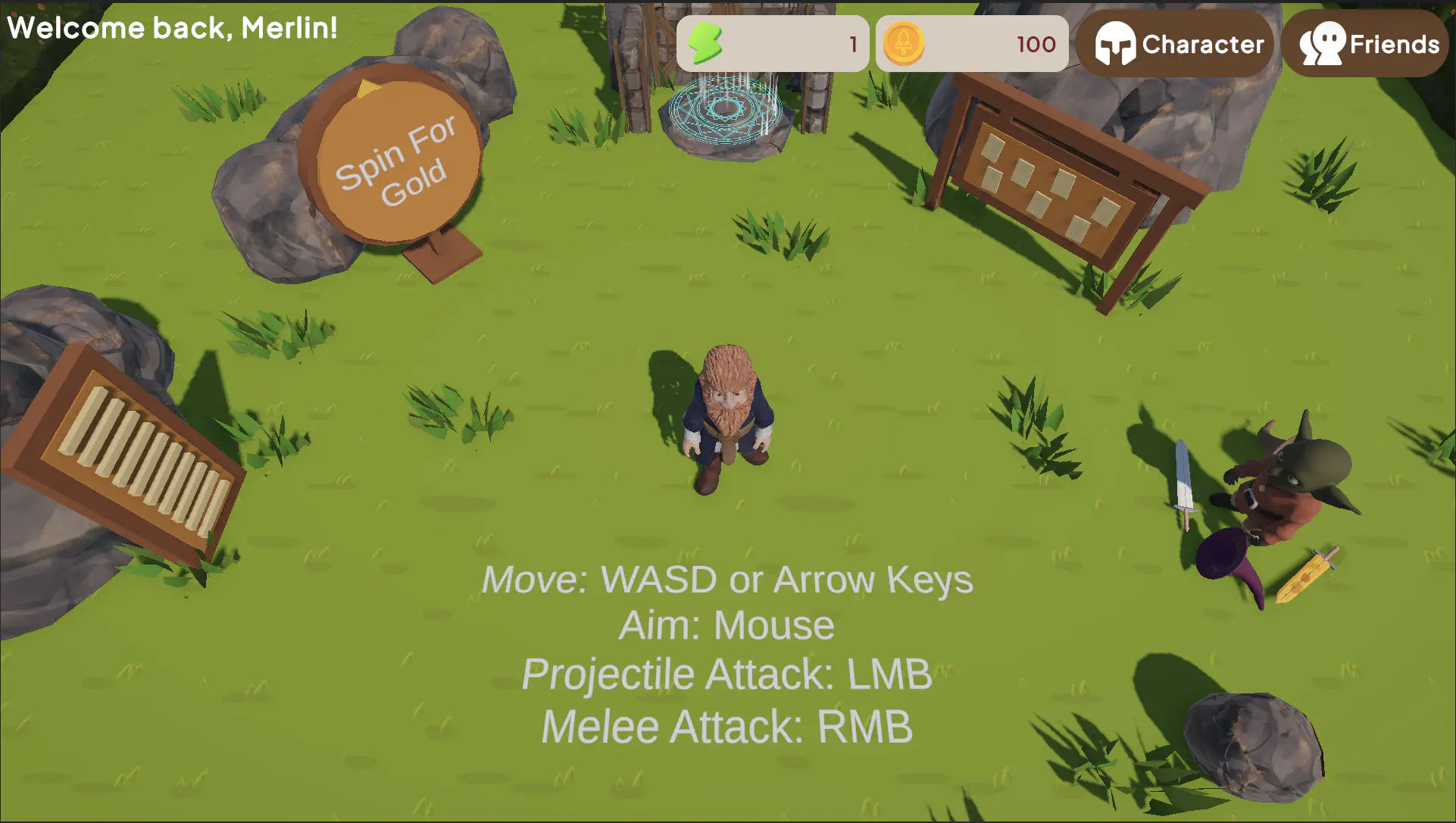
You start in the lobby where you can visit the shop, check quests, view leaderboards, and spin a wheel for rewards. Entering the dungeon starts a timed arena: defeat all enemies to record a clear time on the daily leaderboard and advance your win streak, or fail and reset. Gold can be spent on items in the shop.
Hiro systems in action #
All of the Hiro metagame data is defined in server-side JSON files. Read more about Hiro’s Configuration over code design.
Economy #
The Economy system handles virtual currencies (i.e., gold), the shop, and reward mechanics. Players start with some gold and buy equipment through the in-game shop.
When a player purchases an item, the economy system handles currency deduction, validation, and inventory updating in a single call:
| |
Inventory #
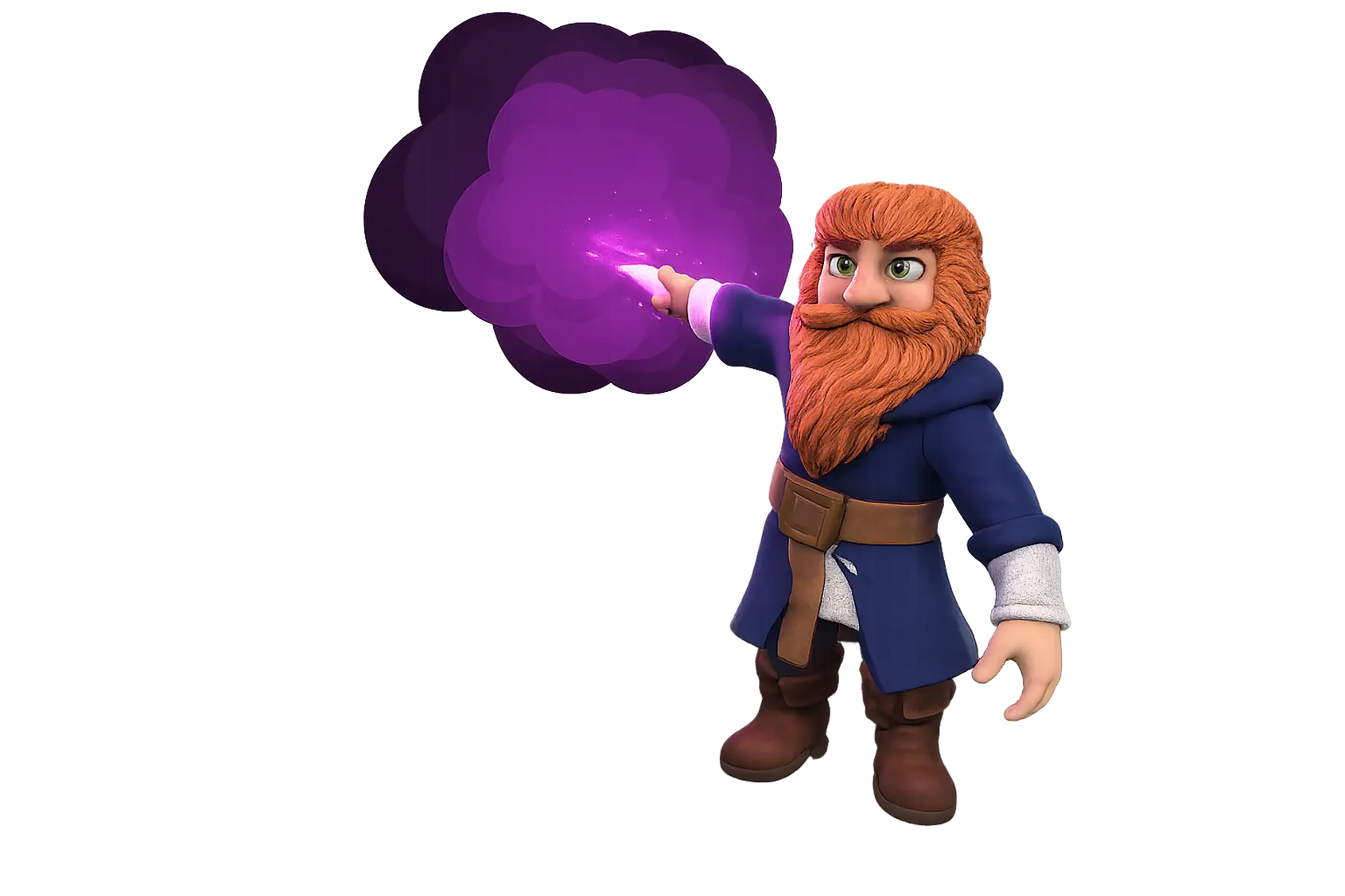
The Inventory system manages collectible and equippable items. In Mage Mayhem, that means hats and swords for your battlemage to equip.
Players toggle equipment by setting the “equipped” property to 0 or 1. When equipping a new item, any existing item in the same slot is unequipped first, and the whole change is sent as a single batch update:
| |
Achievements #
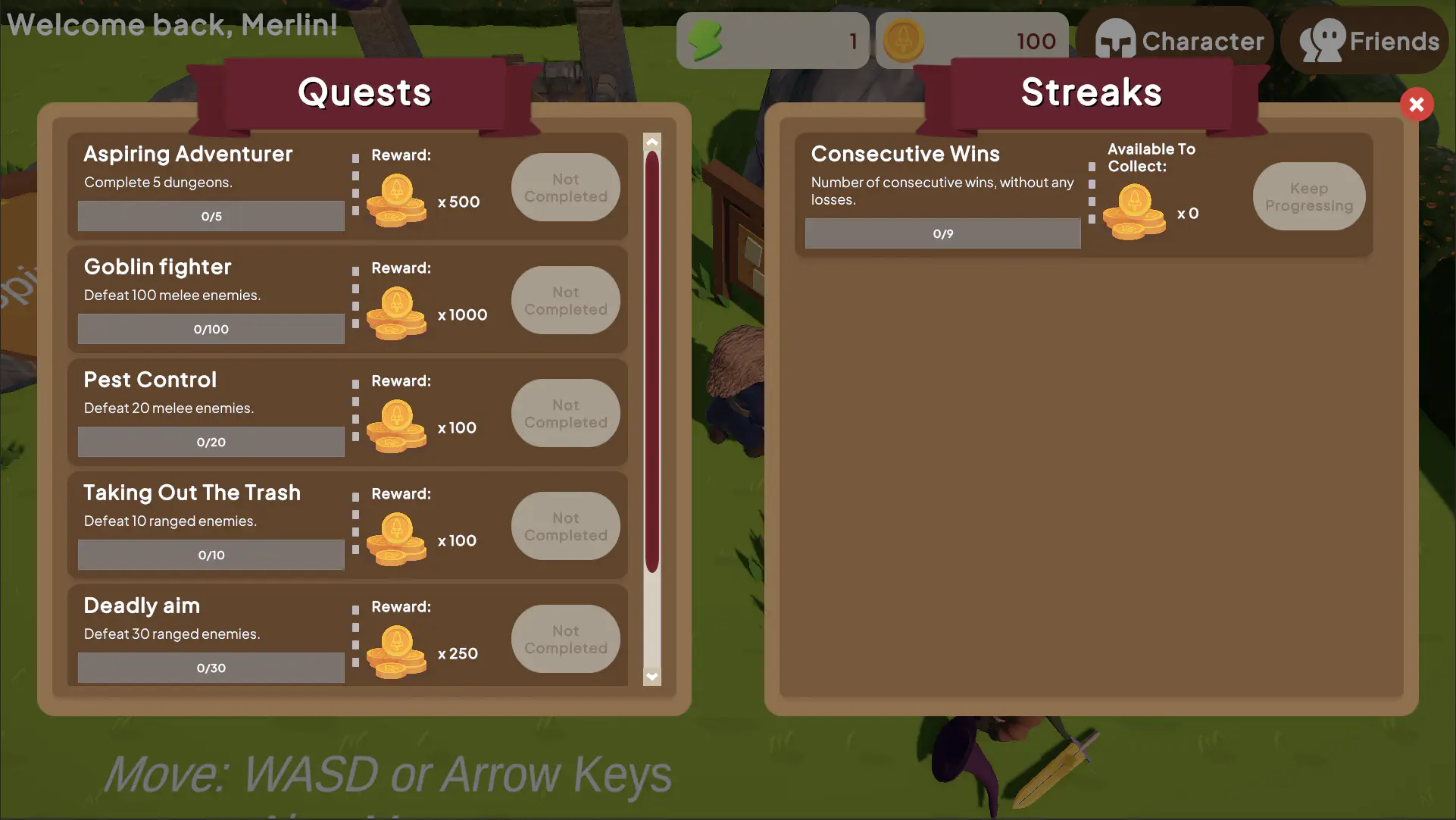
The Achievements system rewards players for completing quests or tasks. In Mage Mayhem, quests track ranged kills, melee kills, and dungeon completions, awarding gold when milestones are hit.
After an arena ends, results are batch-submitted to multiple achievement IDs at once (the IDs are defined in the server configuration files):
| |
Leaderboards #
The Leaderboards system ranks players competitively based on scores. In Mage Mayhem, daily speed-run rankings are sorted by clear time. Your best time per day is retained, and the board resets at midnight UTC.
On arena completion, the elapsed time in milliseconds is submitted as the player’s score:
| |
Streaks #
Streaks rewards consecutive wins to encourage continued playtime. Arena win bonuses grow as you win more, resetting on a loss or daily at midnight.
On a win, the streak is incremented by 1. On a loss, it resets to zero:
| |
Energy #
Energy limits how often players can perform an action using a refillable resource. Energy is used for the spin-the-wheel mechanic with weighted gold rewards, regenerating one charge every few seconds.
The wheel checks for available energy, spends 1 charge, then rolls for a random gold reward:
| |
How each Hiro system works with each other #
Mage Mayhem is a useful learning tool for seeing how Hiro systems integrate with each other and with the game:
Shop → Inventory → Combat: Purchasing an item from the shop (Economy system) grants it via the Inventory system. When equipped, the client reads the numeric properties from the equipped items to calculate combat stat modifications, such as damage_multi or max_health.
Achievements + Leaderboards + Streaks + Stats: Completing an arena run triggers updates across four systems in parallel. Kill counts increment achievement progress, the clear time is submitted to the leaderboard, the win streak advances, and lifetime stats are updated.
Energy → Economy: The wheel (Energy system) grants gold directly into the player’s wallet (Economy system), which you can then spend in the shop.
Every system communicates through Nakama RPCs. The server validates each action and pushes updates back to the client.
Getting started #
Download the project and open the MageMayhem/ folder in Unity 6. Enter Play mode to connect to the dedicated servers hosted on Heroic Cloud.
On first launch you’ll be prompted to choose a display name. From there, explore the lobby and walk up to any interactable to access the shop, quests, leaderboards, or arena.
Project structure #
The Unity 6 client has its key areas under Assets/Scripts/:
| Folder | Purpose |
|---|---|
StateMachines/ | Character behavior, enemy AI (Idle → Chase → Attack) |
GameplayAbilities/ | Ability system, cooldowns, damage, health |
Inventory/ | Equipment management, stats calculation |
Dungeon/ | Level flow, timer, enemy spawning |
UI/ | UIViews and UIManagers for each screen |
The entry point is MageMayhemCoordinator, which extends HiroCoordinator. It authenticates via device ID, initializes all Hiro systems, and loads the Lobby scene.
Running your own server #
By default, Mage Mayhem connects to a demo server hosted on Heroic Cloud. The repository includes the full server code (minus the Nakama and Hiro binaries), so if you have access to Hiro you can run it locally to experiment with the configuration and see how changes affect the metagame.
Prerequisites #
- Docker: Follow the Docker installation guide if you don’t have it already.
- Obtain Hiro: Hiro is available to licensed users. Contact us to obtain your license key and binary.
Start the server #
Nakama and the Hiro Go SDK are already included via Docker images and vendored dependencies.
- Place your Hiro binary (
.bin) inServer/lib/. - Add your Hiro license key to
Server/local.ymlunderHIRO_LICENSE. - Start the server:
cd Server
docker compose up --build
This builds the Go plugin, runs database migrations, and starts Nakama with Hiro. Once running, the Nakama API is available on port 7350 and the Nakama Console on 7351.
Connect the Unity project to your server #
Once your local server is running, update the connection settings in the Unity Editor:
- Select the
MageMayhemCoordinatorcomponent from the scene hierarchy panel. - Open the Inspector tab.
- Look for the field inputs under Nakama Settings and replace them with the following:
- Scheme:
http - Host:
127.0.0.1 - Port:
7350
- Scheme:
Customize the configuration #
The repository includes the server-side JSON files that define every Hiro system in the game, such as shop items, achievement thresholds, energy refill rates, and leaderboard reset schedules. Edit these files and restart the server to see how your changes affect the metagame.
Read more about how Hiro configuration works in the Configuration over code guide.
Troubleshooting #
Found a bug or have a question about the game? Please open an issue or submit a pull request on Github.
Additional resources #
Table of Contents
