
Unity Pirate Panic Tutorial
Welcome to the Pirate Panic tutorial!
In this tutorial, we will cover all of the major Nakama features implemented in Pirate Panic.
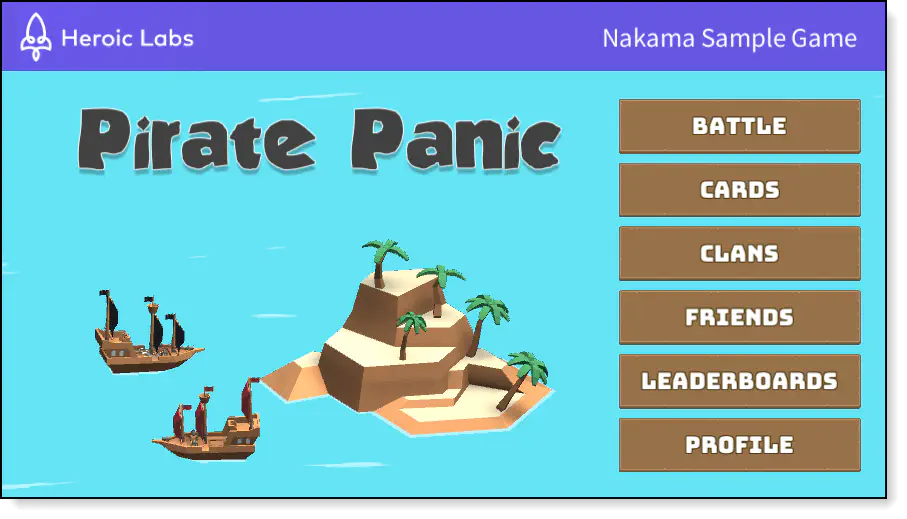
This tutorial is split into multiple sections, each exploring a different feature of Nakama and how it can be used with Unity in the context of Pirate Panic. This resource provides an example of Nakama in a full-scale project and is meant to help you adapt the big ideas and code snippets easily into your own games!
Prerequisites #
So that you can follow along with this tutorial, please ensure you have done the following before proceeding:
- Installed Nakama
- Download and install Unity
- Install the Nakama Unity SDK
- Download the Pirate Panic Unity project
Topics #
This tutorial is composed of the following sections:
Source files #
All of the files referenced in this tutorial can be found in our Unity Sample Project repository.
