
Virtual Store
A virtual store is an in-game marketplace where players can acquire items, consumables, cosmetics, and other resources using various forms of currency. It supports purchases made with game currencies (such as gold or gems) as well as in-app purchases (IAPs) validated through Apple App Store and Google Play.
Virtual stores are defined in your Economy configuration JSON
file under the store_items collection.
Virtual Store configuration #
Virtual stores are defined in your Economy configuration JSON
file under the store_items collection.
| |
| Property | Type | Description |
|---|---|---|
category | string | The category that this store item belongs to. |
cost | StoreItemCost | The item’s purchase cost. |
description | string | The description text for this store item. |
name | string | The display-friendly name for this store item. |
reward | Reward | The rewards that a user should receive once they purchase this store item. |
additional_properties | string:string | A map of key value pairs that can contain additional context. |
disabled | bool | Used to make this item non-purchaseable and not return in queries. |
unavailable | bool | Used to make this item non-purchaseable but still return in queries. |
Store items #
The following is a snippet from base-economy.json showing a PlasmaCorePack store item:
| |
A store is essentially a collection of items. Each item specifies its cost (currencies and/or SKU), the rewards granted on purchase, and optional metadata. The reward is what the player receives for purchasing the item — in this example, the player is guaranteed to receive PlasmaCores, which is defined separately in the Inventory
system.
Think of rewards as the result of players taking a desirable action in your game, including store purchases. See Rewards to learn more about the different ways you can configure and deliver rewards to your players.
Purchases #
By default, store items can be purchased repeatedly as long as the player has sufficient currency or a valid receipt. The virtual store handles both game currency purchases and in-app purchases.
Game currency purchase vs in-app purchase #
The sku field in your store item configuration determines how the server processes the purchase:
| Configuration | Server behavior |
|---|---|
No sku | Purchase using game currencies. Server deducts currency and grants reward. |
Has sku | In-app purchase. Server validates receipt with platform provider before granting reward. |
sku but you haven’t configured IAP validation on your server, purchases will fail with an error like “Apple IAP is not configured”. Either remove the sku for game currency-only items, or configure your IAP provider to handle it. See In-app purchase validation
for setup instructions.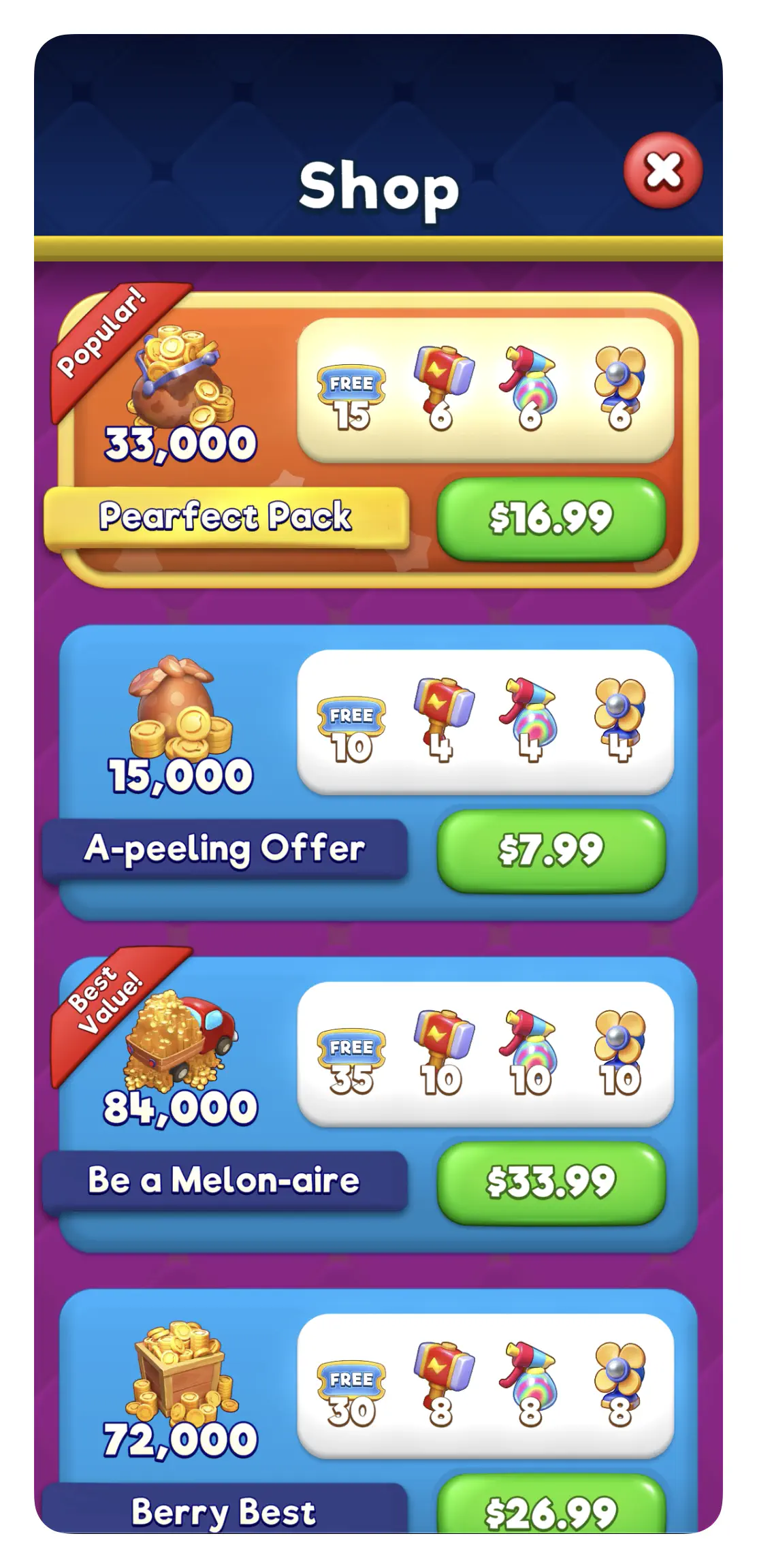
Purchase flow #
The steps depend on whether the item is an in-app purchase or not.
In-app purchase:
- Player selects an item from your store UI.
- Client calls
PurchaseIntentto record the selected item (optional, see below). - Client initiates platform purchase (Apple/Google/etc) and receives a receipt.
- Client calls
PurchaseItemwith the item ID and receipt. - Server validates the receipt with the platform provider.
- Server grants rewards to player.
UnityPurchasingSystem to handle this flow. It wraps Unity’s purchasing package, manages the PurchaseIntent internally, performs the platform purchase flow, and submits the receipt to Nakama automatically. See How to implement IAPs in Unity
for a full implementation guide.Game currency:
- Player selects an item from your store UI.
- Client calls
PurchaseItemwith the item ID. - Server checks the player has sufficient balance and deducts the cost.
- Server grants rewards to player.
ValidateSubscriptionApple, ValidateSubscriptionGoogle) to do purchase validation. Register AfterValidateSubscription hooks to grant rewards. Subscription lifecycle events (renewals, cancellations) are handled through Server notifications. See IAP validation
for more details.Purchase intents #
Purchase intents disambiguate which store item to grant when multiple items share the same SKU. This is common with LiveOps or A/B testing, where you want the same price point in the app store but different rewards for different player segments.
For example, two items might both cost $0.99 and use SKU com.game.premium_100, but one gives 150 gems to new players while the other gives 100 gems to everyone else. When the app store returns a receipt for com.game.premium_100, the server needs to know which item to grant.
Call PurchaseIntent before initiating the purchase to record which item the player selected. The server uses this to resolve the correct item when processing the receipt. Intents expire after 10 minutes.
If each store item has a unique SKU, you don’t need to call PurchaseIntent.
Testing in-app purchases #
Call SetAllowFakeReceipts on the economy system in your server code to enable fake receipt bypass for a given environment. With this enabled, receipts containing the string fake receipt or FakeReceipt bypass Nakama validation entirely, letting you test the purchase flow without real store credentials.
| |
SetAllowFakeReceipts defaults to false. Enable it only for non-production environments — never in a live build.
allow_fake_receipts field in the economy config JSON is deprecated. It remains in the schema for backwards compatibility but has no effect. Use SetAllowFakeReceipts in server code instead.For real device testing, use the platform’s sandbox tooling: Apple Sandbox or TestFlight for iOS, and the internal test track for Google Play.
Customizing store behavior #
The basic store configuration supports simple, repeatable purchases. For more advanced scenarios, use the Personalizer to dynamically modify store data based on player state:
- One-time offers: For items purchasable only once per player (like a “Starter Pack”), use the Personalizer to hide items after purchase. See One-time store offers for a complete implementation guide.
- Player-specific offers: Show different prices, rewards, or items to different player segments (new players, VIPs, players at certain levels). Combined with Satori audiences , you can run A/B tests or target specific groups with tailored offers.
Store types #
When making in-app purchases, the server needs to know which platform’s receipt validation to use. You specify this when initializing the Economy system on the client. Refer to each client’s SDK guide for more details (for example: Unity Economy SDK , Unreal Economy SDK ).
EconomyStoreType values #
| Value | Description |
|---|---|
Unspecified | Defaults to Apple App Store |
AppleAppstore | Apple App Store |
GooglePlay | Google Play Store |
Fbinstant | Facebook Instant Games |
Unspecified defaults to Apple validation. If a player is on Android and you didn’t explicitly set GooglePlay, your receipts will be sent to Apple for validation and fail with status code 21002.Store item cost #
| Property | Type | Description |
|---|---|---|
currencies | string:int64 | A map of currency IDs and quantities the user must pay to purchase this store item. |
sku | string | The SKU code of the in-app purchase the user must complete to obtain this store item. |
